Apple security update fixes iPhone camera privacy flaw
If you use an iPhone, iPad or Mac, now is a good time to check for updates.
On Monday, 26 October, Apple released a large batch of software updates. Among the many problems fixed was a privacy flaw that could have let a harmful app use your camera without asking.
What was the problem?
The issue was in a part of Apple’s software called CoreMedia, which handles audio and video.
In its security notes, Apple said that “a malicious app may be able to access the camera without user permission”. The flaw has been given the reference number CVE-2026-86990.
Apple said it fixed the problem with improved access restrictions. The company did not say that the flaw had been used in real attacks.
Many other fixes
The camera flaw was just one of many. Apple’s notes for iOS 27.2 list well over a hundred separate security fixes, covering everything from images and fonts to video files. UNILAD reported that the total across Apple’s updates was 329.
Which updates you need
Apple released the fixes for several of its systems at the same time:
- iOS 27.2 and iPadOS 27.2, for iPhone 11 and later
- iOS 26.7.2 and iPadOS 26.7.2, for people still on the older system
- iOS 18.7.11, for older models including the iPhone XS, XS Max and XR
- macOS Golden Gate 27.2 and macOS Tahoe 26.7.2 for Macs
- visionOS 27.2, for the Apple Vision Pro
Updates for the Apple Watch and Apple TV came out on the same day.
Older iPhones that cannot run the newest system still receive some security fixes, through updates such as iOS 18.7.11. So it is worth checking even if your phone is a few years old.
How to update your iPhone
Updating only takes a few minutes, but it is a good idea to charge your phone and connect to Wi-Fi first.
- Open the Settings app
- Tap General
- Tap Software Update
- Follow the on-screen steps to download and install
You can also turn on Automatic Updates on the same screen, so future fixes arrive without you having to remember.
How to update a Mac
On a Mac, open System Settings, choose General and then Software Update.
Why it matters
Security updates are a bit like changing the locks on your front door. Most of the time nothing bad would have happened, but you are much safer once it is done.
Apple does not share details of security problems until a fix is available. That is why it is best to install updates soon after they appear, before anyone tries to take advantage of them.
If you are unsure, ask a family member or visit an Apple store for help.
Sources
- UNILAD (lead)
- Apple: About the security content of iOS 27.2 and iPadOS 27.2
- Apple security releases
- CVE record CVE-2026-86990
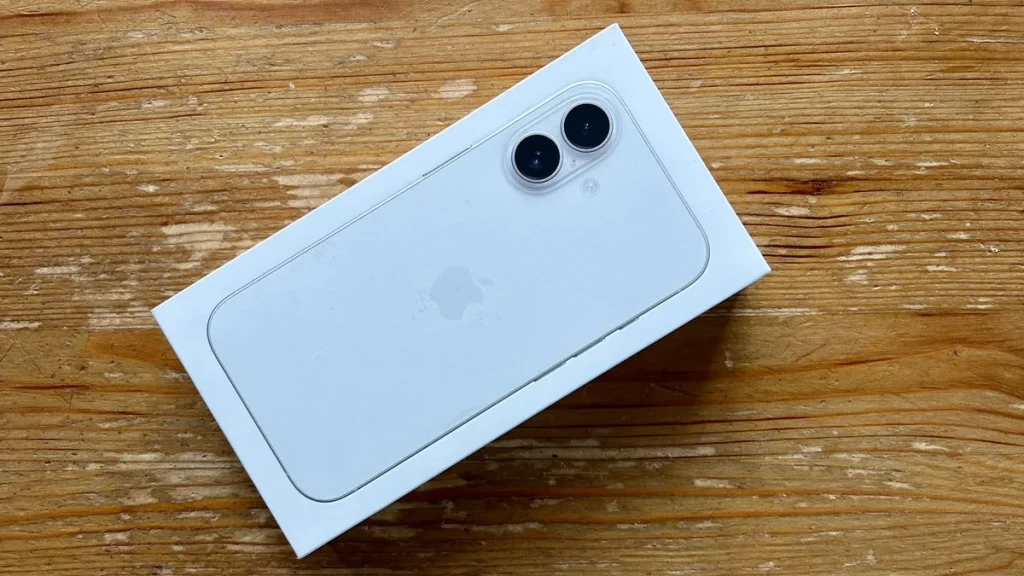
Featured image: An iPhone in its box (illustrative photo). Photo: Olgierd Rudak / Wikimedia Commons, CC0. Source



.jpg)